Skip to content
Early access: 14-day free trial

Redefining Waiting Rooms with Thoughtful Design and Calm Experiences.

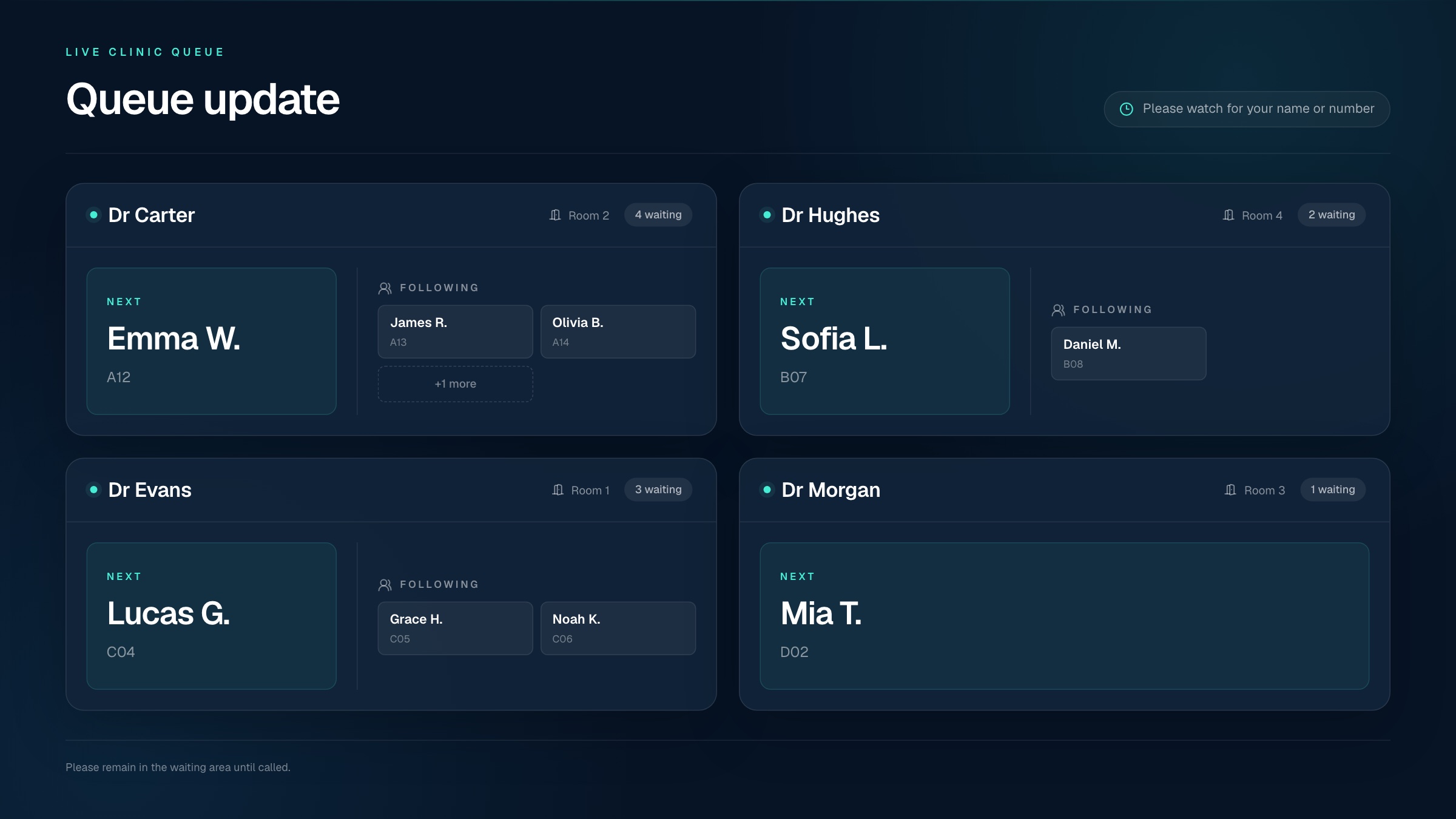
Turn your waiting room TV into a simple channel for patient education, promotions, announcements, and practice updates, all managed from one dashboard.

Everything your screen needs, in one platform

Canva designs
YouTube videos
Android TV
RSS news feeds
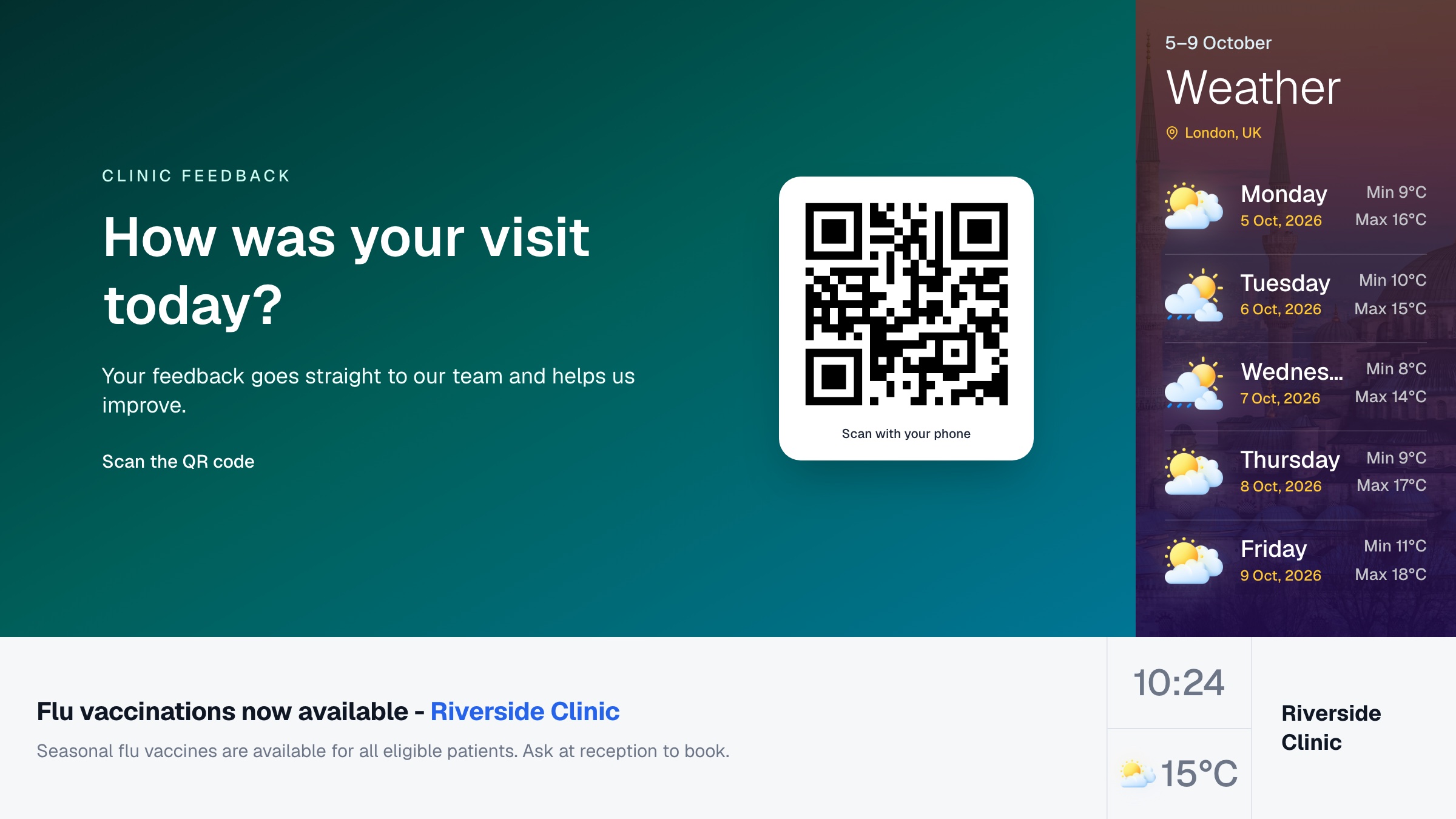
Live weather
HD video streaming
About Us

Transform the Way You Manage Your Practice with a Smarter, More Efficient Healthcare Solution.

Creating impactful content doesn't have to be complicated. By focusing on three clear and strategic approaches

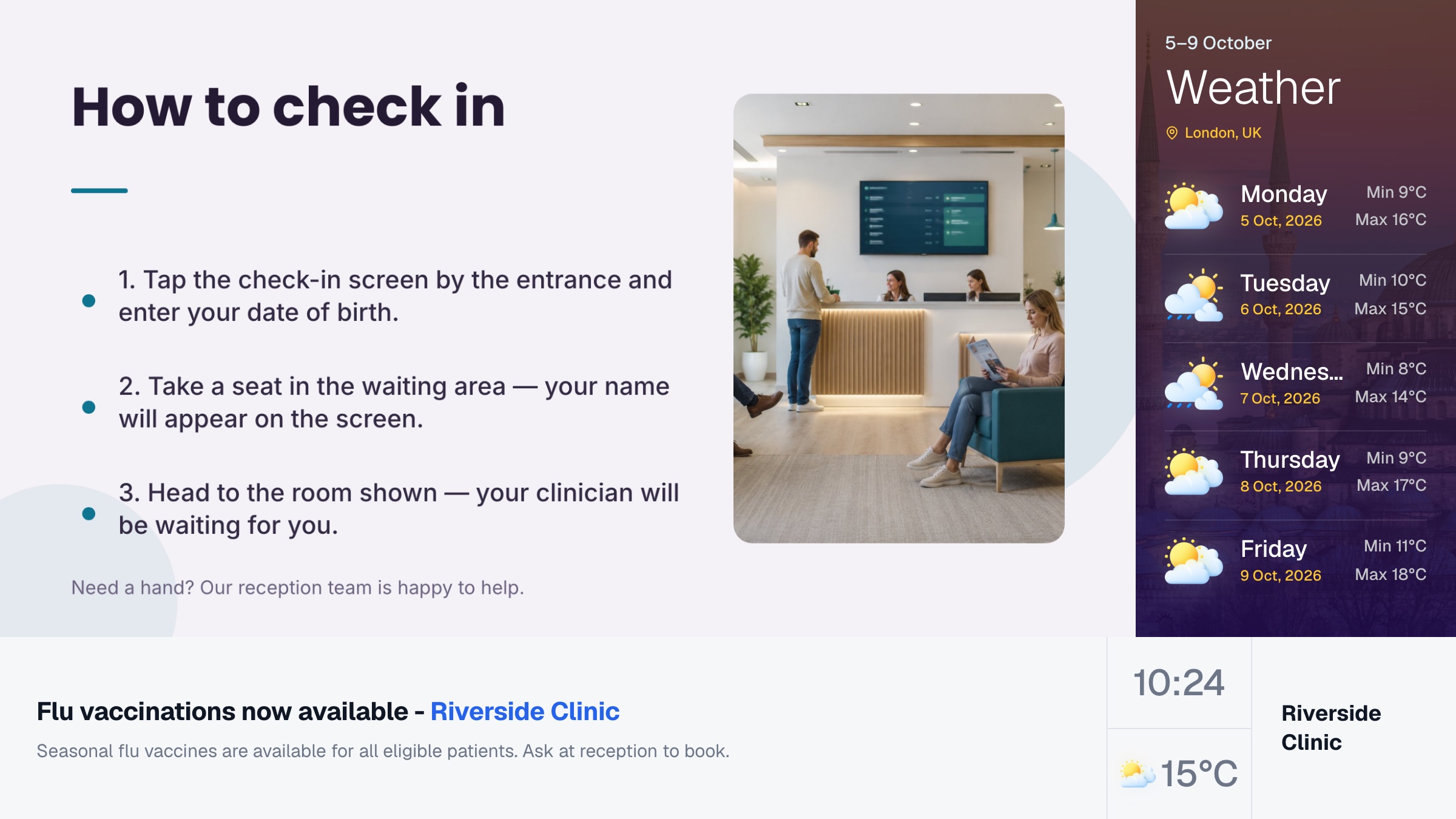
Waiting room with a wall-mounted TV display and seating

The Venubee waiting room TV platform allows you to share a range of promotional, educational, and operational messages quickly and easily.

  • Practice announcements
  • Educational content library
  • Promotions & announcements
  • Scheduling across screens
Content Sharing

3 Smart and Strategic Ways to Create Content

Pull from the sources you already use. Keeps your screens fresh without adding work to anyone's day.

YouTube Video

Quickly share a range of content from external providers, including Canva, YouTube and weather feeds.

Canva Slideshow/Presentation

Quickly share a range of content from external providers, including Canva, YouTube and weather feeds.

Upload Video/Images

Quickly share a range of content from external providers, including Canva, YouTube and weather feeds.

Our Features

Built specifically for modern healthcare practices

We provide a reliable and secure solution tailored specifically for dental and healthcare providers.

Practice Announcements

Share timely notices, service updates, and important messages across every screen.

YouTube Integration

Add curated YouTube videos and health content alongside your own uploads.

Canva Designs

Design slides in Canva and publish them straight to your screens without extra exports or re-uploads.

Live Weather & News

Local weather and RSS news headlines stay current on every screen, automatically.

Promotional Signage

Turn idle screens into a promotional channel for the services you want patients to ask about.

Your screens, in the hands of one calm platform

Education, promos, announcements, and live updates in one place.

Why Venubee

Everything your waiting room needs, from day one

Creating impactful content doesn't have to be complicated. Here's what you get the moment you sign up.

5 min

From pairing code to live screen

14 days

Free trial with full access

4+

Content sources: uploads, YouTube, Canva & RSS

7 day

Live weather forecast on every screen

How it works

From blank screen
to live in three steps.

No proprietary hardware, no installers, no training sessions. If you can enter a code, you can run Venubee.

01

Pair your TV in minutes

Open the Venubee app on any Android TV or HDMI streaming device, enter the on-screen code in your dashboard, and the screen is connected.

02

Build your playlist

Upload images and videos, add YouTube content, or design slides in Canva and publish them straight to your playlist.

03

Publish and relax

Your screens update automatically. Live weather and RSS news stay current without daily upkeep.

FAQs

Frequently asked questions

Everything you need to know about the platform. Can't find an answer?

Yes. Create playlists in the dashboard, add your content, set how long each slide plays, and publish updates to your connected screens.

Expand Waiting Room Experience

Transform the Way You Manage Your Practice with a Smarter, More Efficient Healthcare Solution.

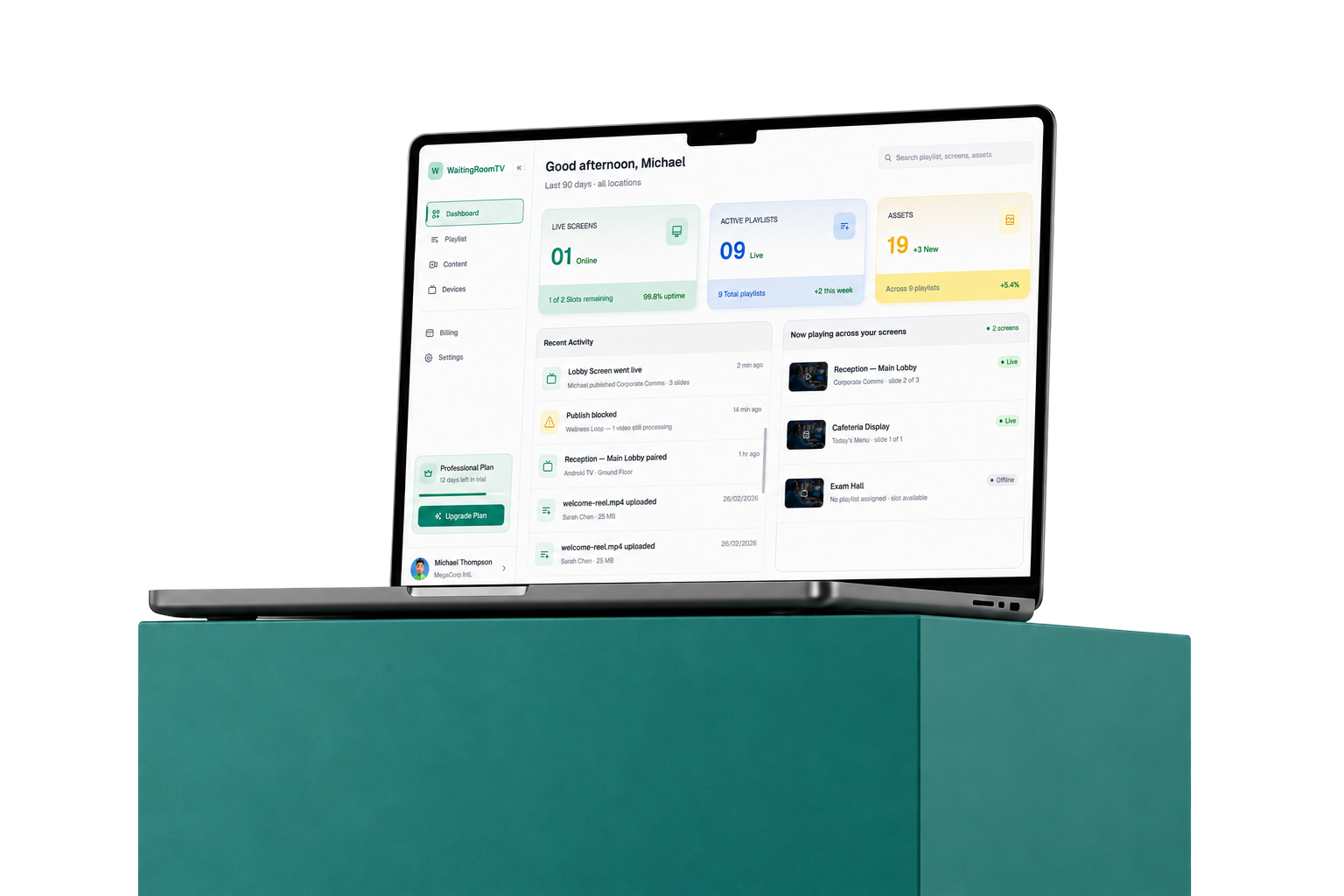
Venubee dashboard shown on a laptop